SEE IT TAKE SHAPE.
- 01Describe your idea
- 02Preview your shot
- 03Generate your video
THREE STEPS TO YOUR FIRST SHOT
Start with an idea.See it take shape.
Describe it, try it out in 3D, then let your preview guide the video model.
A coastal launch pad at dawn. A rocket fires beside a steel tower, lighting up the ground.
Tell us what you picture
Describe the subject, setting, and camera move. AI builds a 3D scene you can edit.
Find the right shot
Play it back. Adjust the angle, path, and pace until the shot feels right.
Bring the details to life
Use your preview as a reference for AI to add materials, lighting, and style.
Preview and AI video from the same project. The preview guides framing and motion; the final result may vary.
ROOM TO MAKE IT YOURS
Set the scene. Make your move.
Watch the preview, then make it your own. Edit the scene directly or ask for changes in the chat.
Arrange the scene
Place your subject, move objects, and set the direction of light.
Choose the camera move
Find your angle. Try a push-in, a tracking shot, or an orbit.
Set the pace
Decide when to move, where to pause, and how to end the shot.
“Slow it down. Keep the subject in the center of the frame.”
MORE CLARITY. LESS GUESSWORK.
Try it in the preview.Generate when it’s ready.
Work out the framing and movement first, so every generation starts with a clearer plan.
Replay without rendering
Watch the preview for free. Checking a camera move doesn’t need another video generation.
FREE PREVIEW PLAYBACKNew angle. Same scene.
Keep the scene you’ve built and try another viewpoint. The parts you like stay in place.
ALWAYS EDITABLEShow what you mean
Turn the framing and motion in your head into a video reference that AI can work from.
A VISUAL GUIDE FOR AIA little inspiration for your next shot.
Tell a story, show a product, or capture the mood of a place. See where these shots take you.
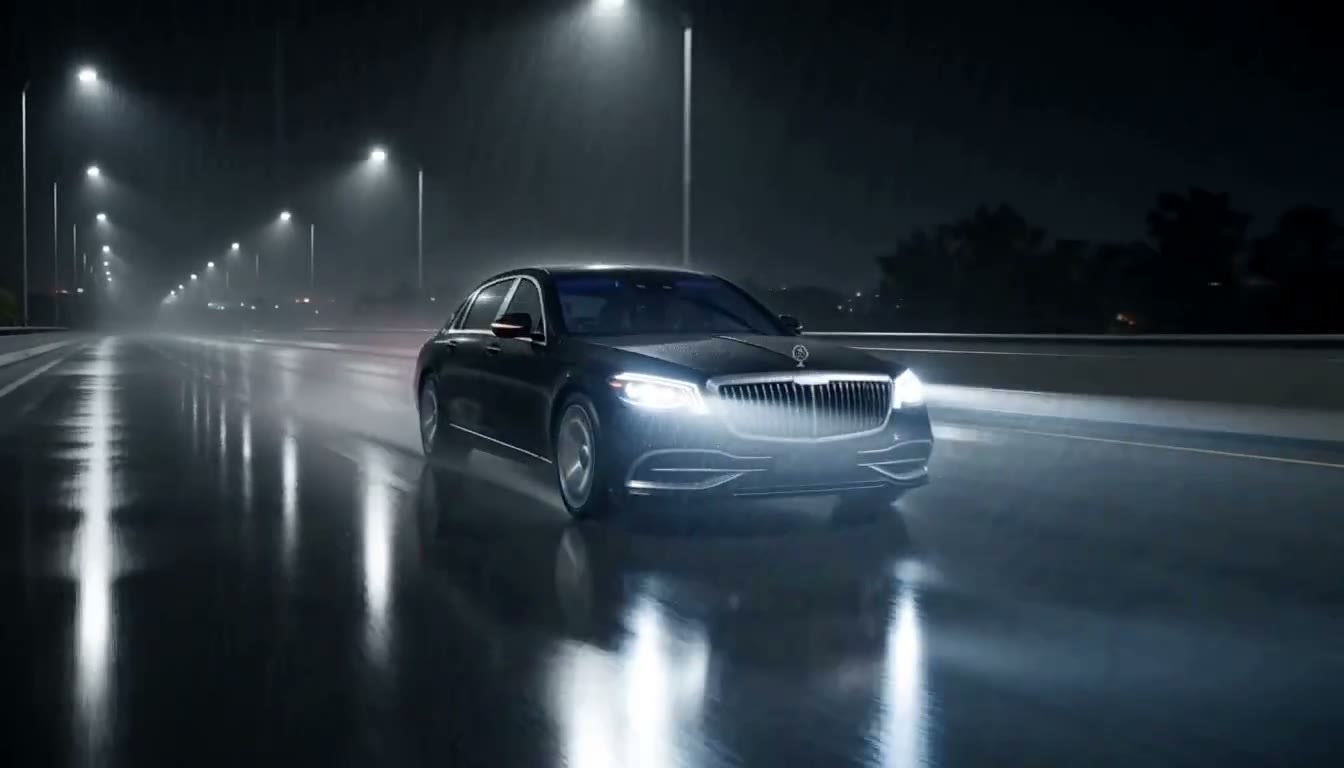 Storytelling
Highway in the rain
Follow the car from the front to the side, catching its speed and the lights on the wet road.
View shot →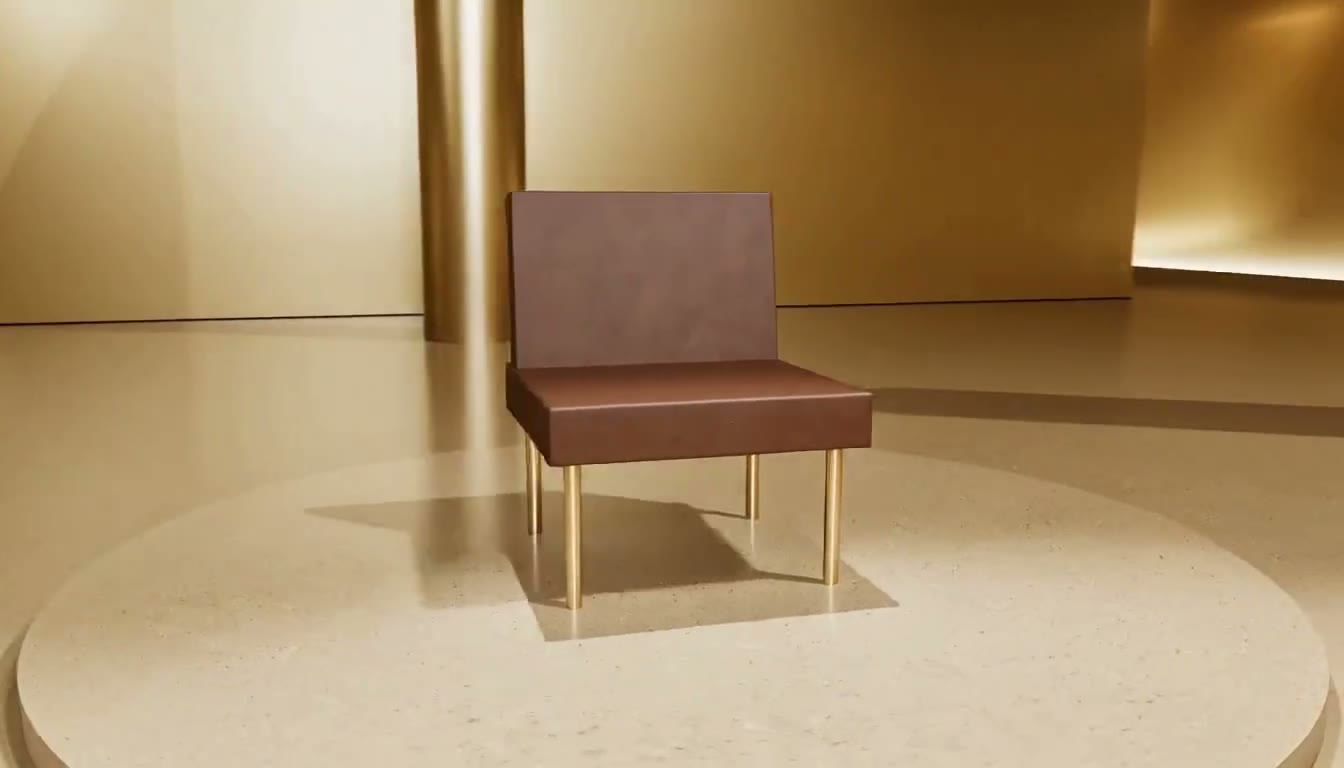 Product shots
Gold gallery
Circle from the back of the chair to the front, revealing its shape and details in warm light.
View shot →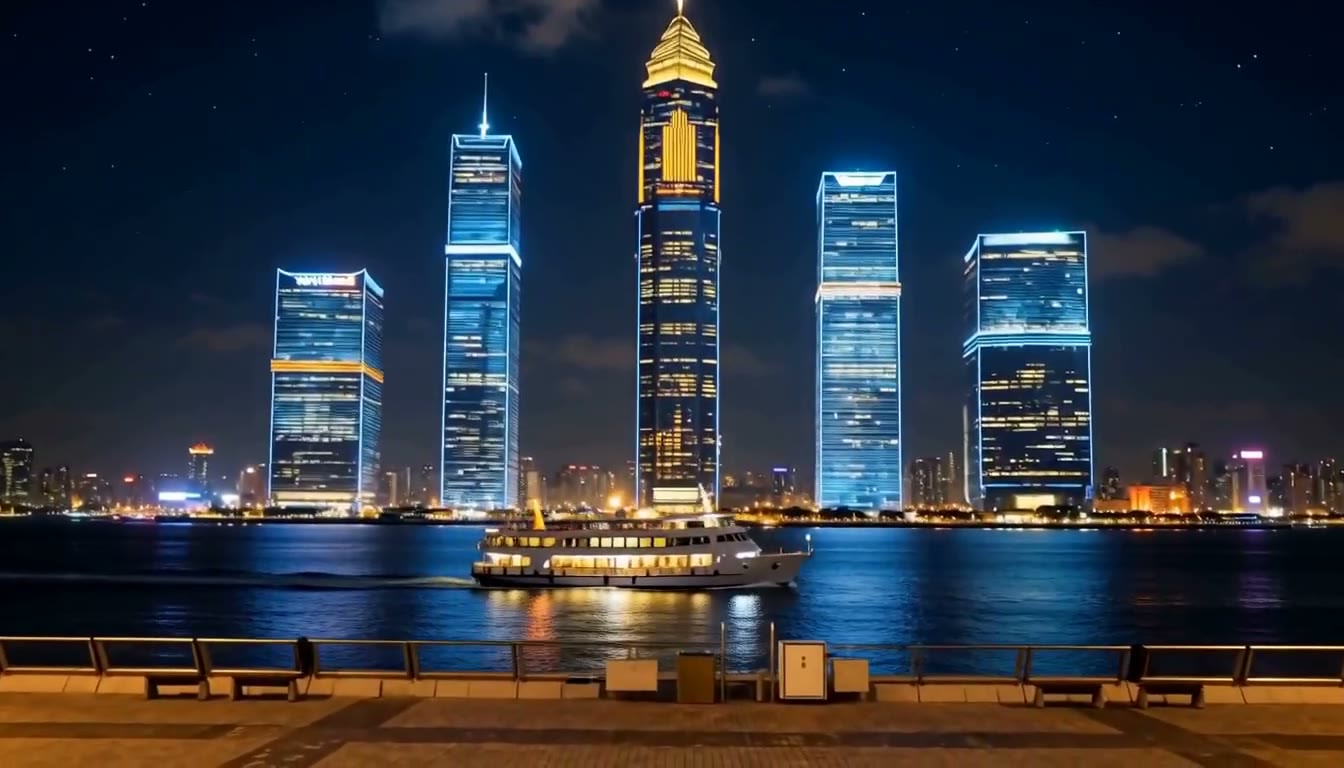 Spaces & atmosphere
Harbor at night
Hold a wide view as a ferry passes the city lights. Let the movement set the mood.
View shot →
Not always. The preview guides framing and motion. The video model creates materials and lighting, so the picture may differ.
Learn about AI generationYOUR IDEA IS NEXT
That shot in your head? Start here.
Describe what you picture. Then take your time getting the shot right.
Manual editing and previews are free · AI uses credits