Product 3D Animation: Moving Objects & Editable Scenes
Explore animated products, mechanisms and crafted objects. Play push-ins, orbits and detail shots, then open the editable scenes to adjust structure, motion and timing.
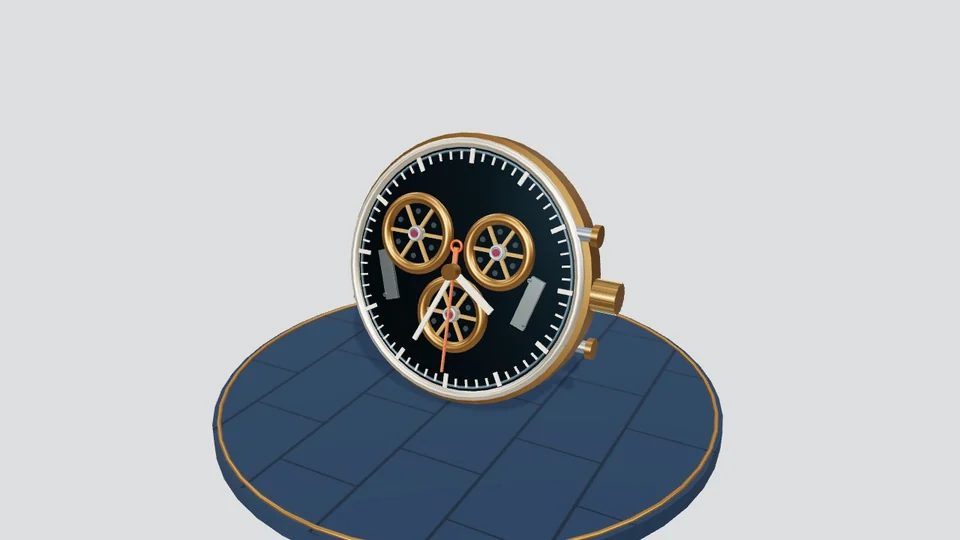 3D animation
Skeleton chronograph
A suspended brass chronograph exposes its gears above a midnight-blue display.
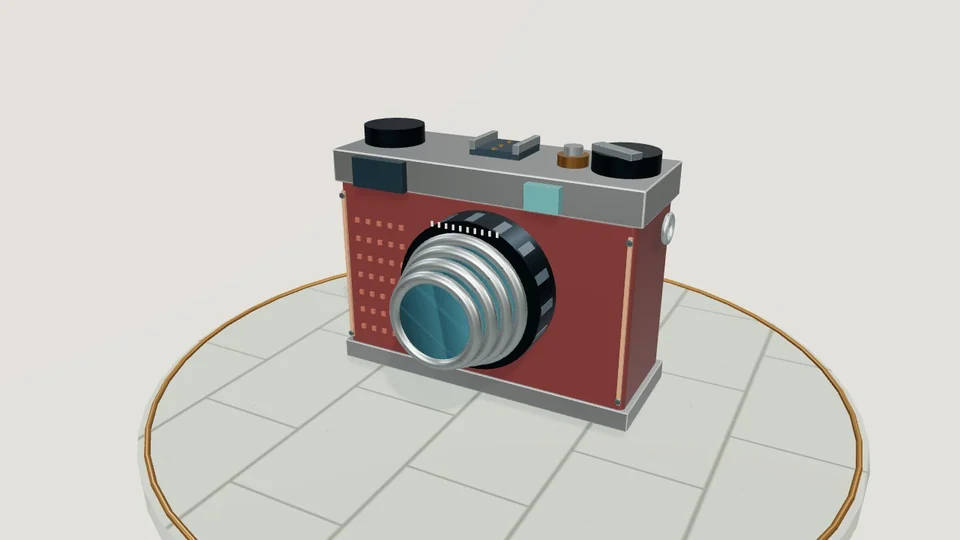 3D animation
Rangefinder optical study
A burgundy rangefinder with a silver top opens its lens into an optical study.
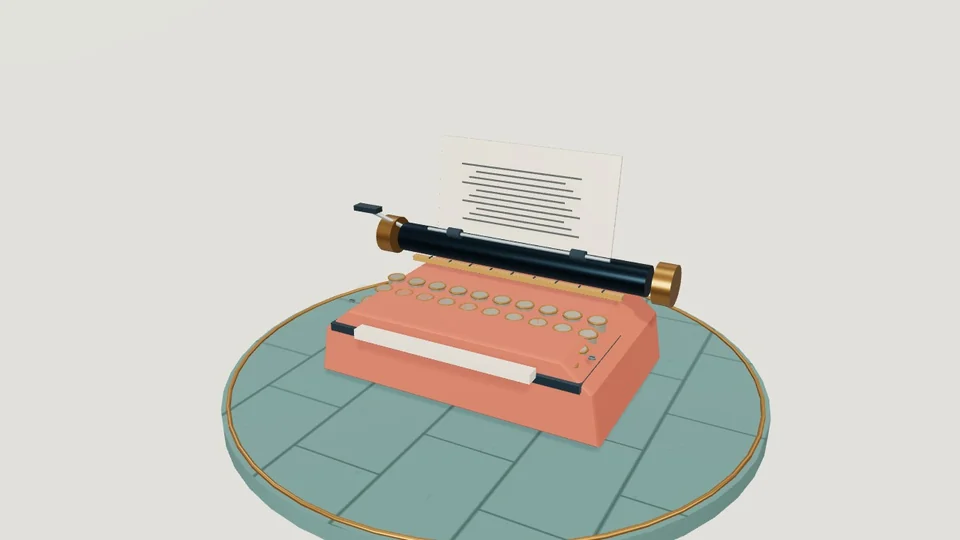 3D animation
Portable typewriter
A coral portable typewriter pairs round keys with an ivory sheet and exposed carriage.
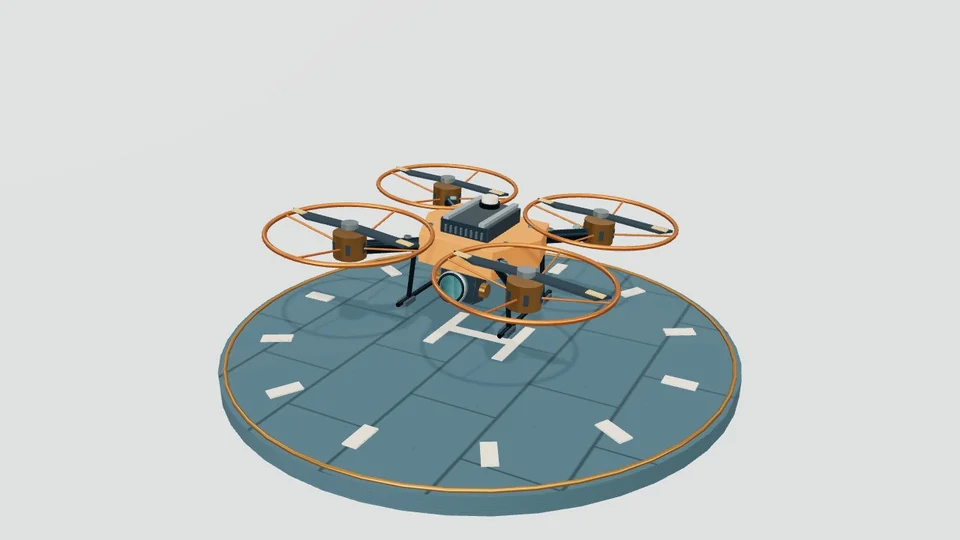 3D animation
Survey quadcopter
An orange survey drone hovers above a circular pad with editable rotors and gimbal.
 3D animation
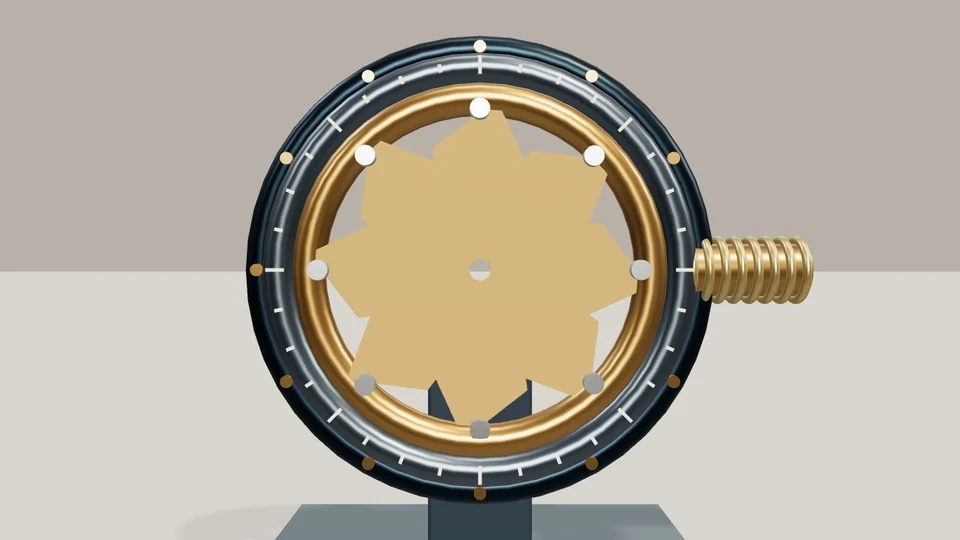
The breathing mechanical iris
A graphite precision iris sits on a warm-grey studio sweep, revealing bronze blades, a worm drive and etched graduations.
 3D animation
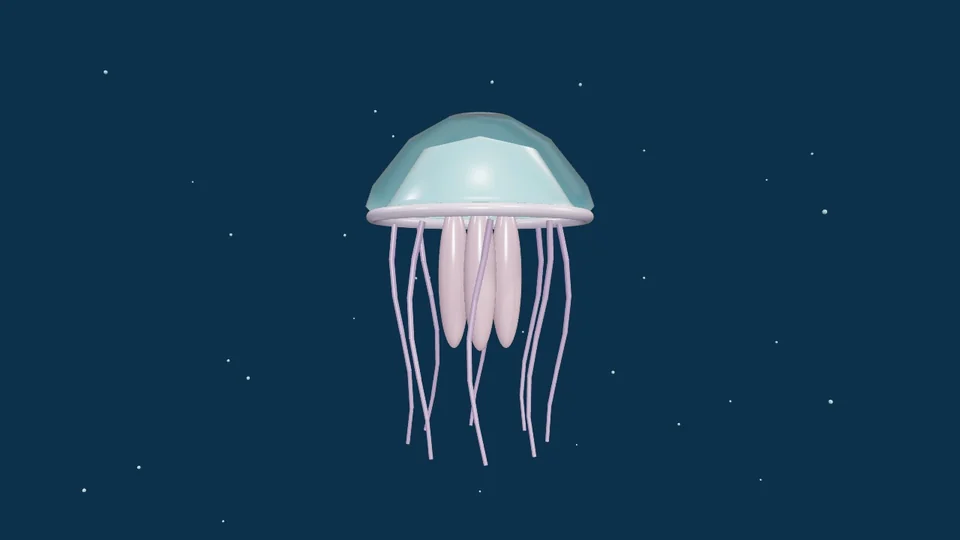
Jellyfish in the blue
A translucent jellyfish bell and beaded tentacles drift through a soft blue close-up environment.
 3D animation
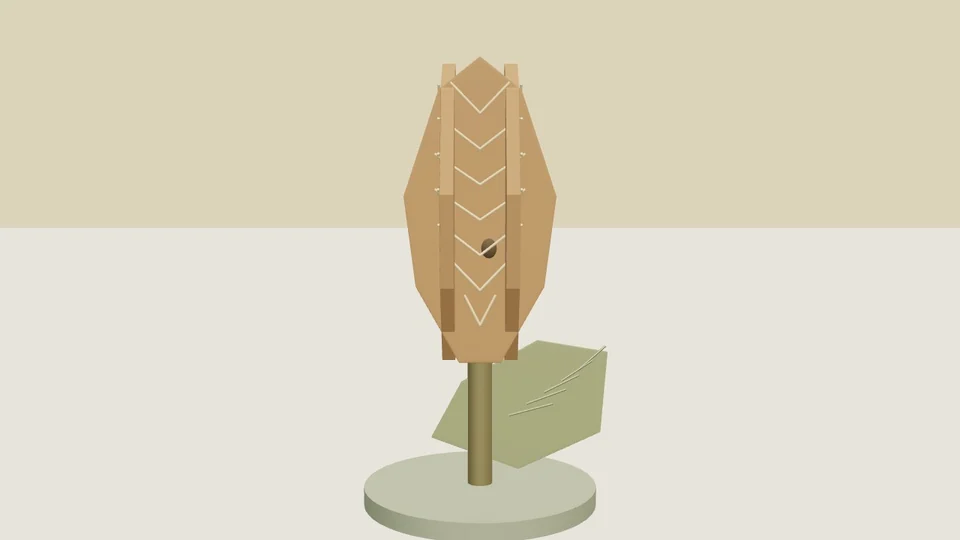
A seed pod unfurling
Against a warm ivory sweep, four woody valves enclose layered dark seeds in a botanical macro study.
 3D animation
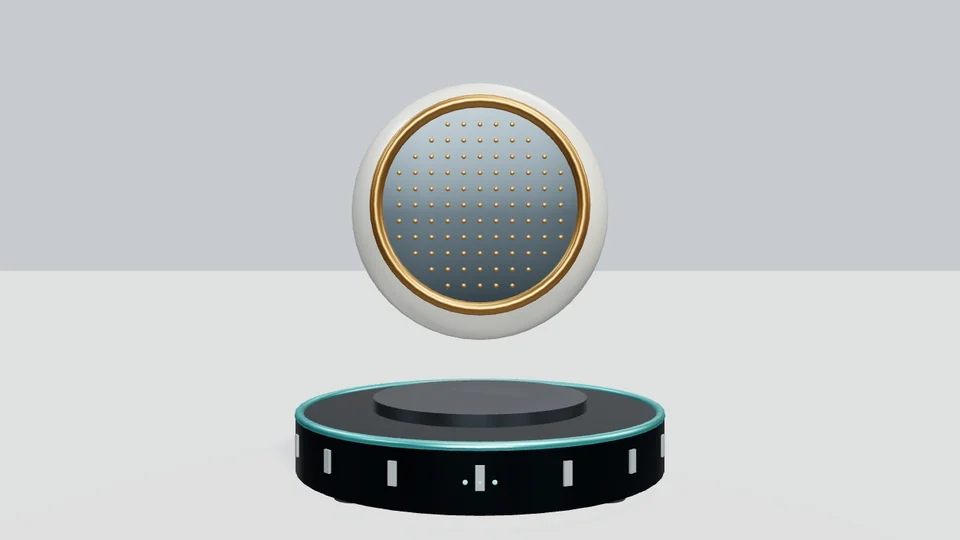
Magnetic levitation speaker
A graphite base levitates an ivory speaker sphere, detailed with copper grille, rubber isolation and a luminous ring.
 3D animation
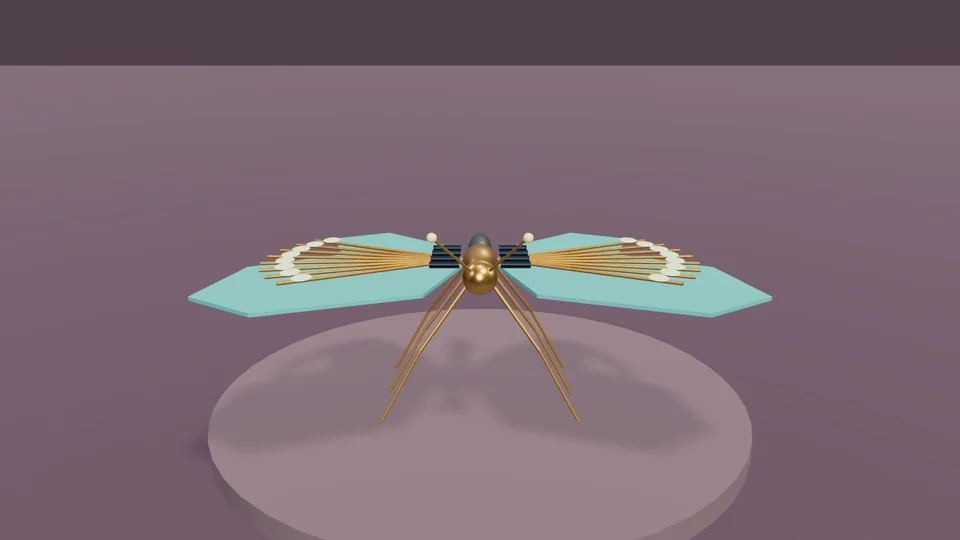
The mechanical butterfly
A mechanical butterfly rests on a plum display, its teal wing panels, brass veins and tiny hinges exposed.
 3D animation
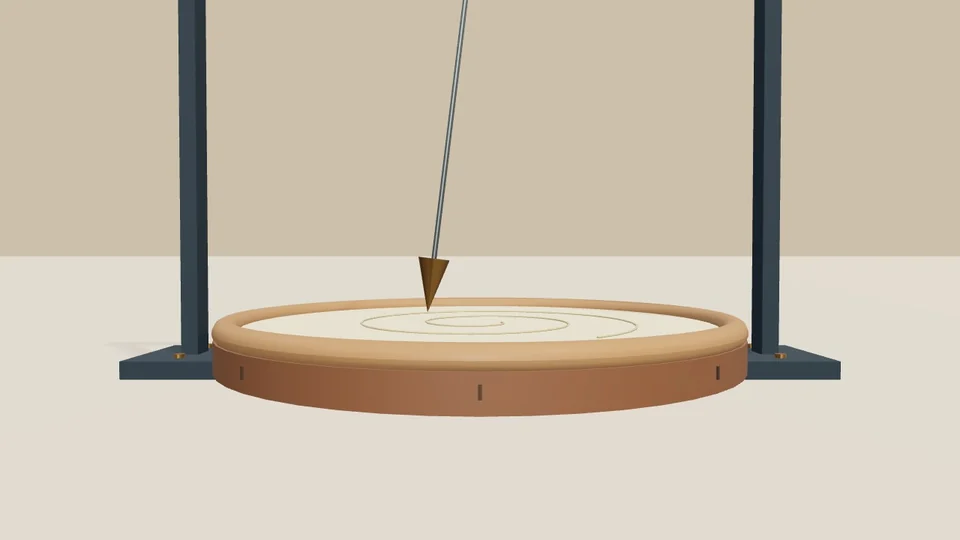
The sand-drawing pendulum
A walnut tray holds fine sand under a slender copper pendulum, with pre-existing spiral traces across its surface.
 3D animation
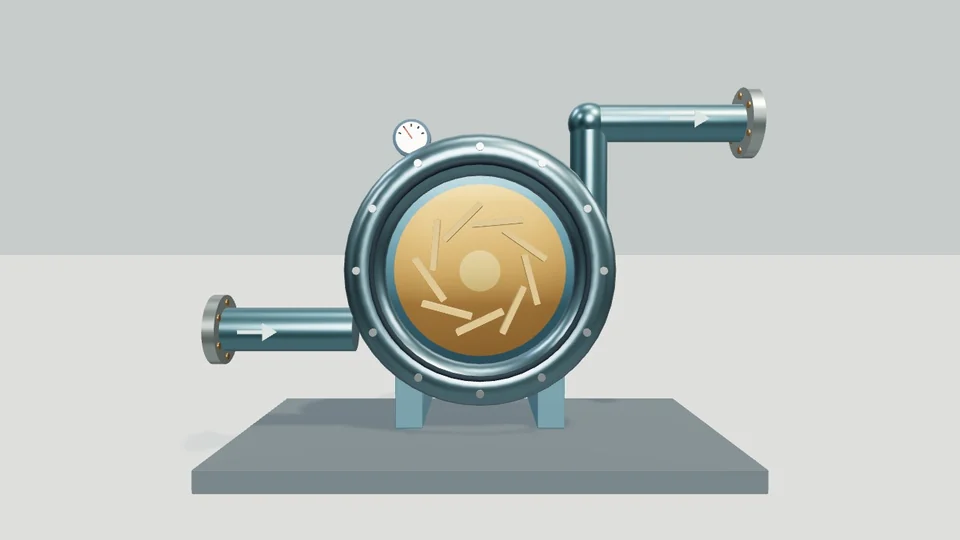
Cutaway centrifugal pump
A blue-grey industrial pump exposes its front casing, bronze impeller, seals and curved intake and outlet pipes.
 3D animation
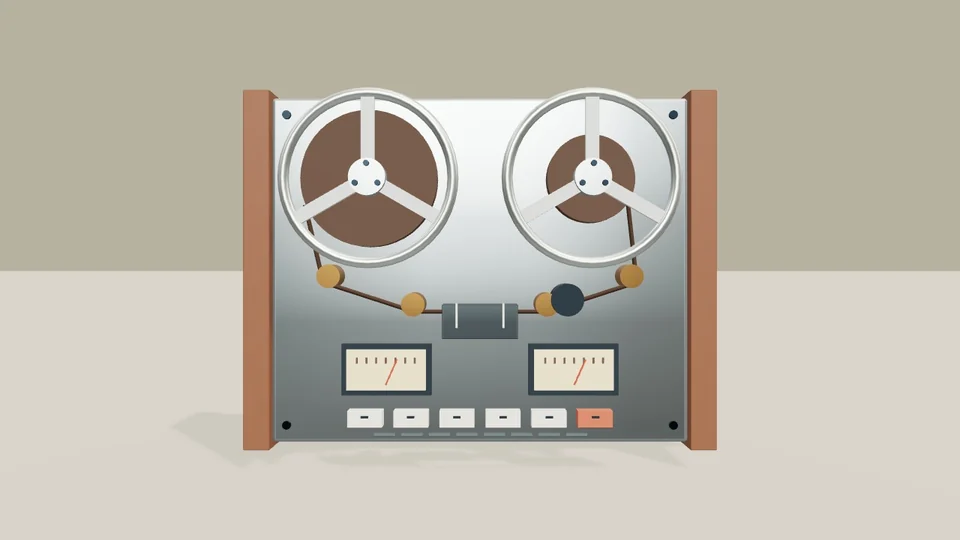
Reel-to-reel tape transport
Walnut cheeks surround a brushed-aluminium tape recorder with unequal tape reels, exposed heads and VU meters.
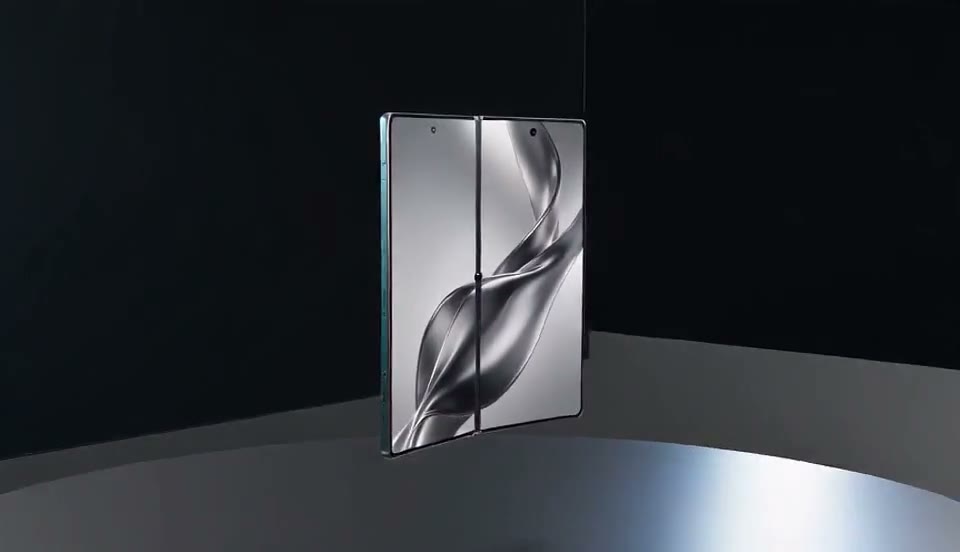
The foldable reveal
Coordinate the phone’s unfolding animation with an orbit, then check its silhouette and final presentation angle.
Product camera tutorial → · Free camera templates →
Choose the move for the goal
| Goal | Move | Check |
|---|---|---|
| Show the product silhouette | Orbit through a small angle | Mid-shot occlusion and the final hero angle |
| Move from context to detail | Push in and leave a short hold | Getting too close, clipping or cropping the product |
| Show a moving product | Track the subject at a matching pace | Stable subject size and relative position |
How should I review the animation and camera?
Decide which product structure to show before choosing camera movement. Editable previs checks space and timing. Inspect product shape, hinges, screens and text separately in AI output; previs does not guarantee an exact reproduction of a commercial product.
Can I practice for free?
Play the 3D animation on an example page, then sign in to open a template as a separate project. Manual edits, preview playback and video export are free. AI direction and AI video generation use separate credits. Change one variable and review it before deciding to generate.