CraftWorld
  • Workspace
  • Gallery
  • Guide
  • Pricing
  • About
WorkspaceGalleryGuideJournalPricingAbout
← Back to gallery

The mechanical butterfly

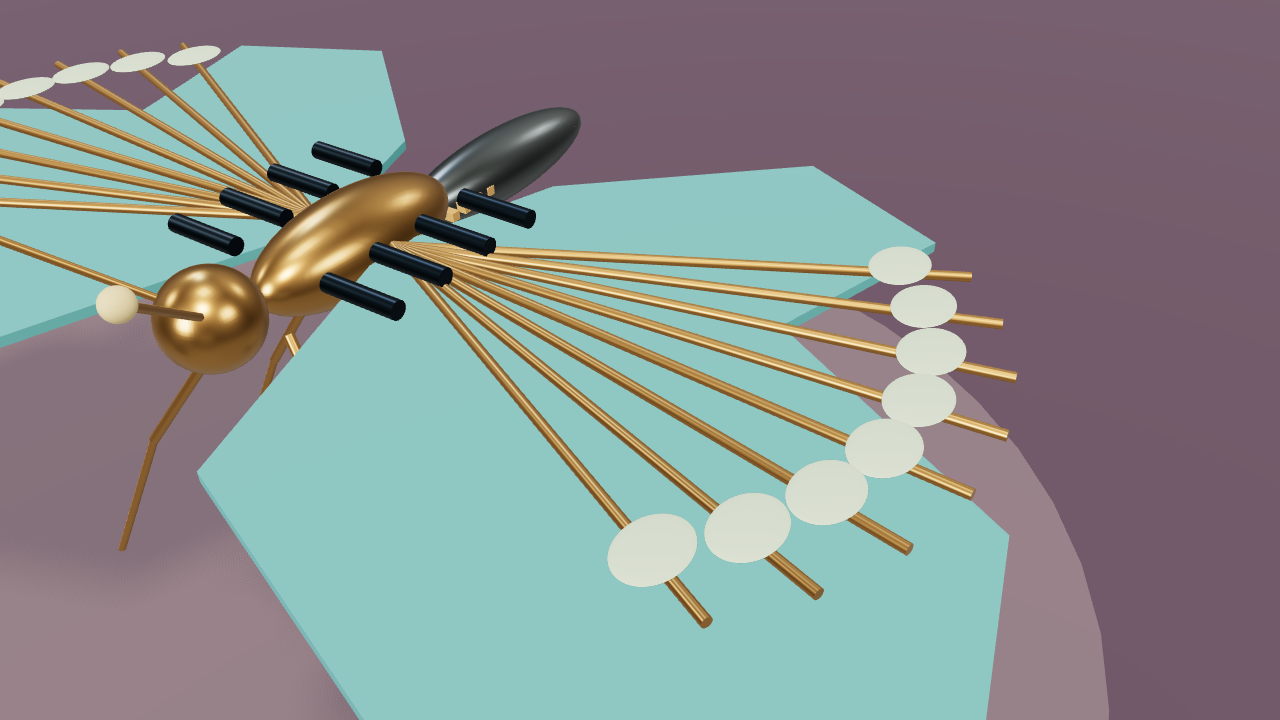
A mechanical butterfly rests on a plum display, its teal wing panels, brass veins and tiny hinges exposed.

3D animation12 s / 16:9

Play the 3D scene and scrub through its motion and camera moves. Open the example to edit its objects, animation and shots.

Shots

Establish0–4 s · Dolly.
Observe the action4–8 s · Truck.
Resolve8–12 s · Crane.
Editable objects
81
Duration
12 s
Aspect
16:9
Scene description
A mechanical butterfly rests on a plum display, its teal wing panels, brass veins and tiny hinges exposed. The wings beat gently around dorsal hinges and the antennae sway as the camera studies the wing veins.

Product camera workflow · Free camera templates

Open exampleDownload scene JSON
Shots & visual references

Lock the composition, develop the look

A mechanical butterfly rests on a plum display, its teal wing panels, brass veins and tiny hinges exposed.

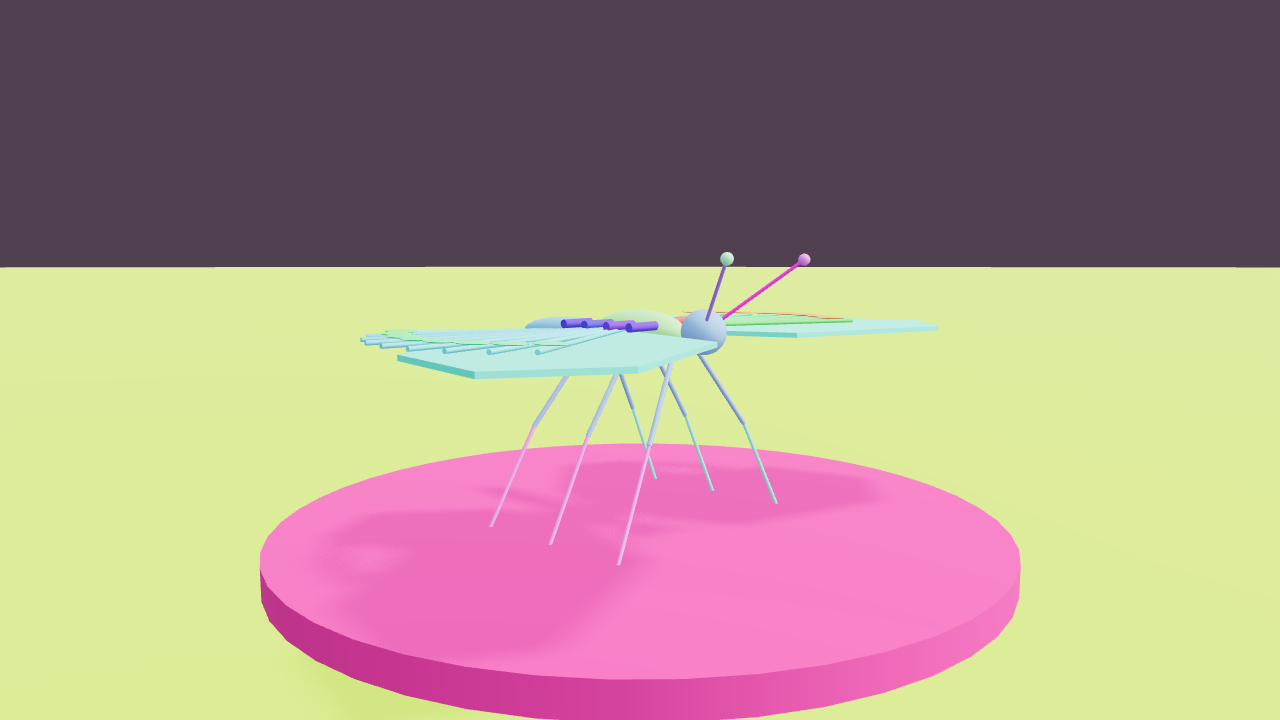
These frames come from the current standard previs. Parts colors identify stand-ins; scene color helps inspect staging and action. Use the full preview for video generation and the frames to check composition.
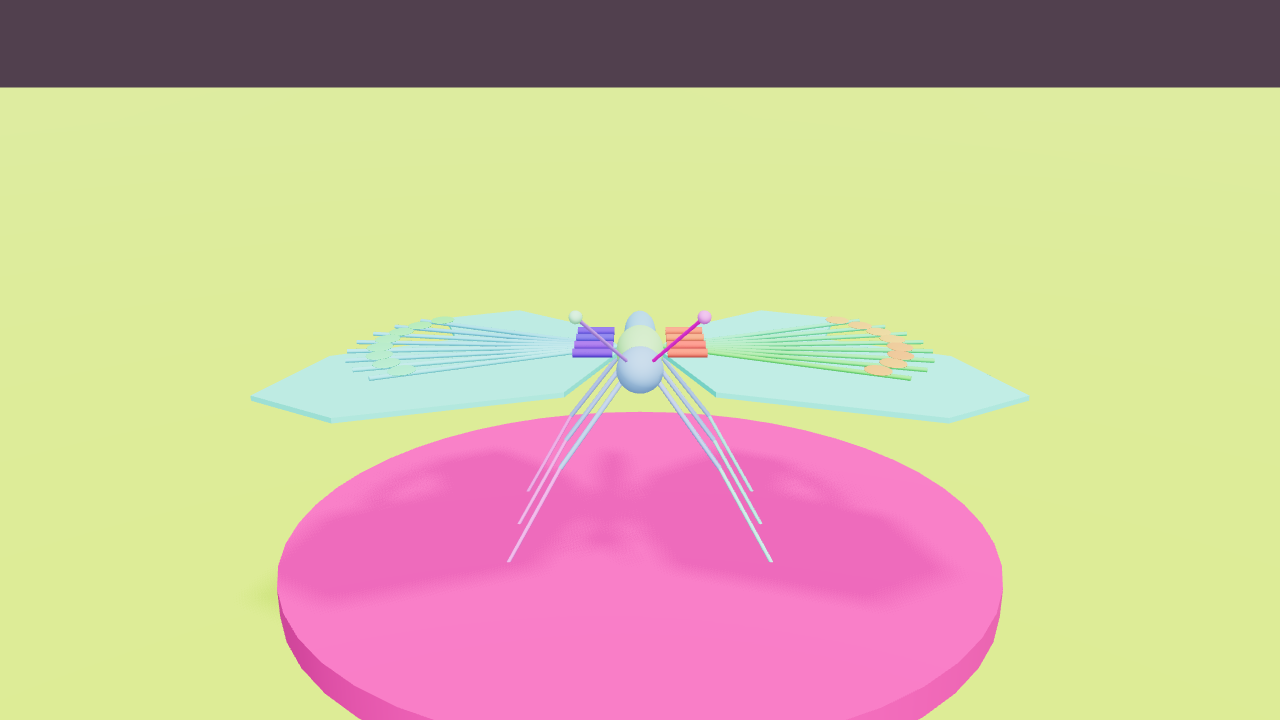
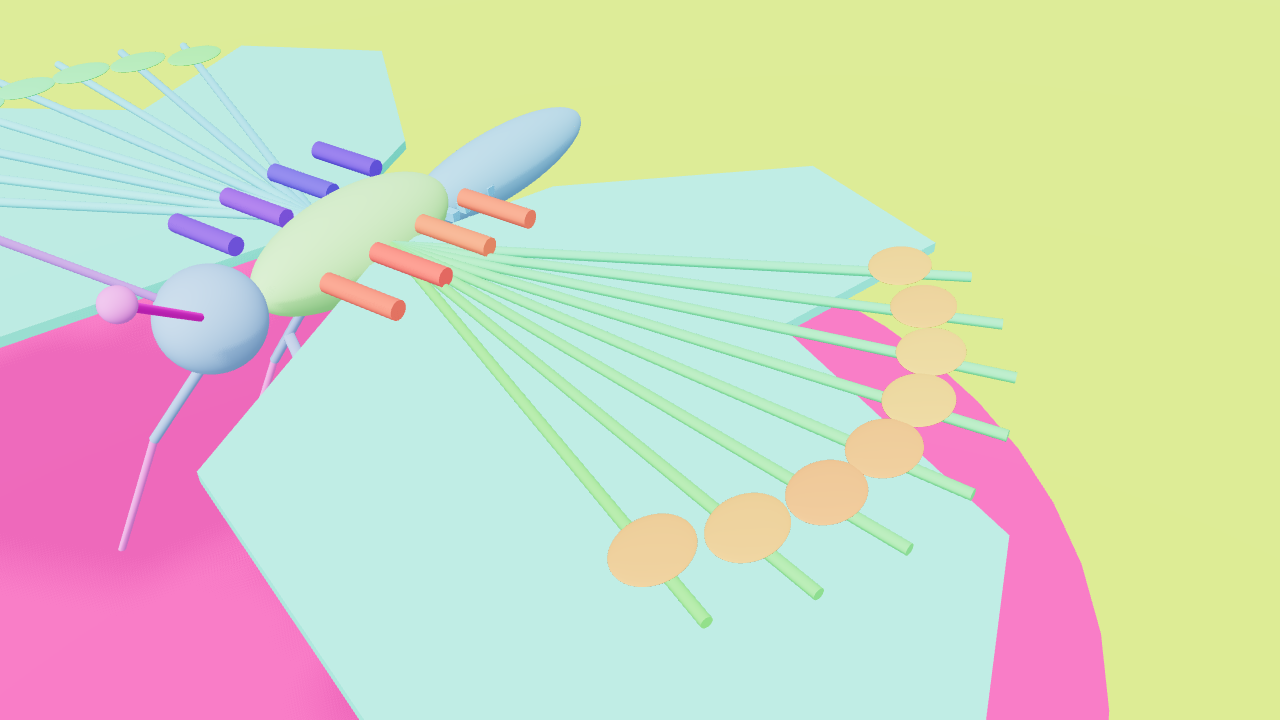
The mechanical butterfly · 0s · Establish
01 / 0–4sEstablish0–4 s · Dolly.
Download ↓Parts frame ↓
The mechanical butterfly · 4s · Observe the action
02 / 4–8sObserve the action4–8 s · Truck.
Download ↓Parts frame ↓
The mechanical butterfly · 8s · Resolve
03 / 8–12sResolve8–12 s · Crane.
Download ↓Parts frame ↓

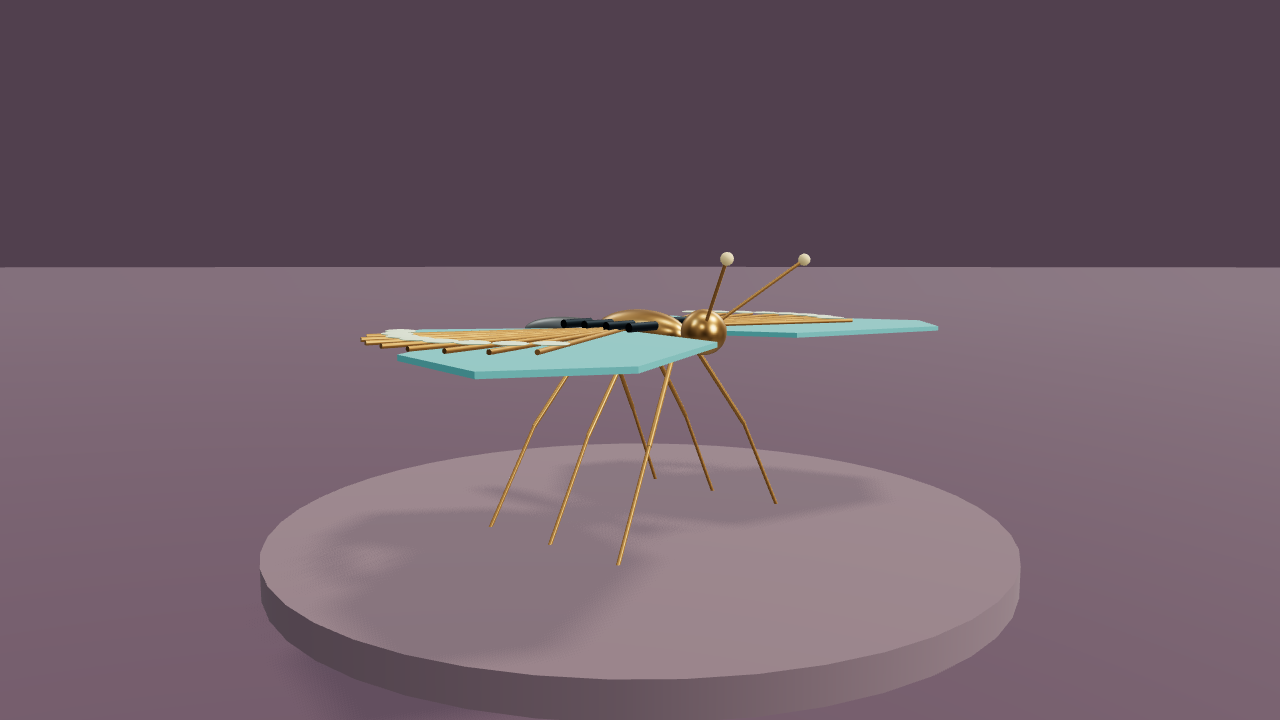
The image below is rendered from this 3D scene and follows the selected shot. People use standard geometric stand-ins; you can add a separate character appearance reference.
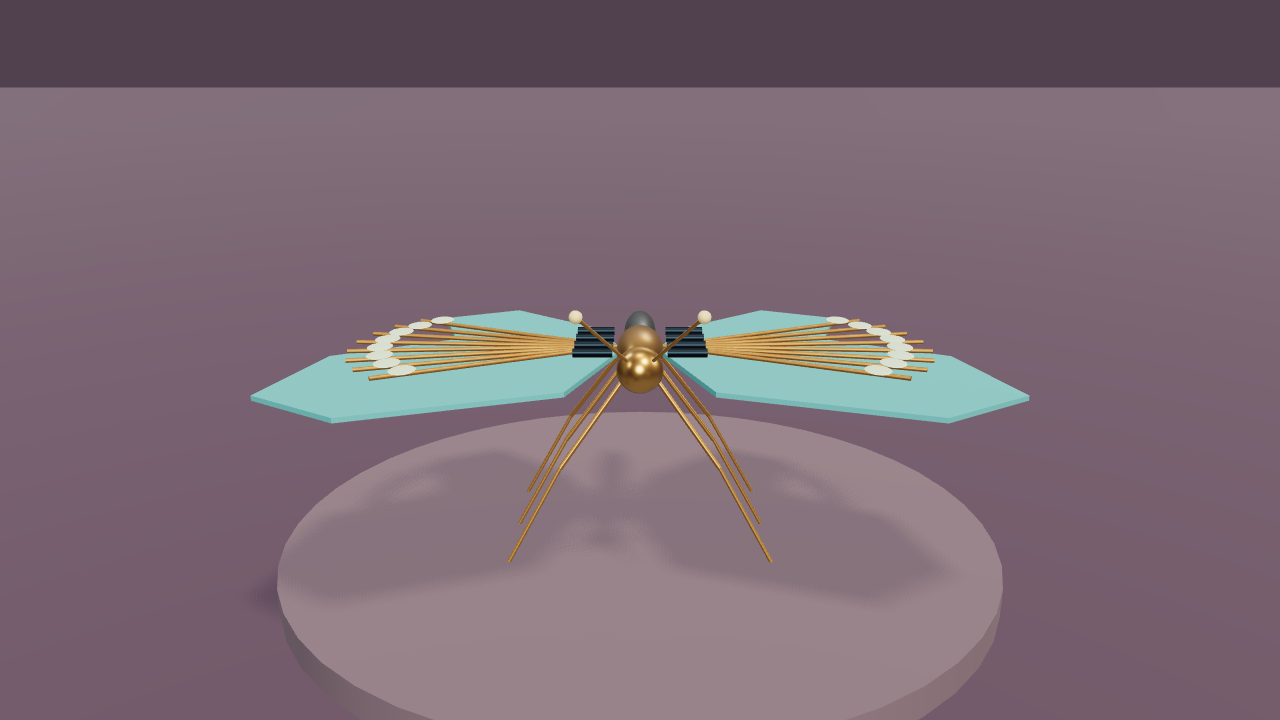
The mechanical butterfly · Shot 1 scene-color reference
Shot 1 scene-color referenceThe same scene, camera and instant
Download PNG ↓

Appearance notes · Full preview

Download the selected scene-color first frame as a visual reference. Use the complete preview for video generation; add art or character references in the render panel and bind them to the relevant stand-ins.

Download this scene’s build conversation ↓

Make your next shot your own.

Sign in and start with a scene description or free camera template. Refine the framing and movement, play and export your preview for free, then decide when to generate with AI.

Start creating →Read the guide
CraftWorld
NavigateWorkspaceGalleryGuidePricingAbout
ProductAI DirectorClay previsAI RenderJournalFree camera templatesProduct camera examplesLog in
LegalPrivacyTerms
© 2026 CraftWorld简体中文 · English
CraftWorld

正在打开工作区…