CraftWorld
  • Workspace
  • Gallery
  • Guide
  • Pricing
  • About
WorkspaceGalleryGuideJournalPricingAbout
← Back to gallery

City Aquatic Center

Tall windows and roof trusses enclose a broad aquatic center with a lap pool, ripples, a diving platform, and poolside activity.

3D animation12 s / 16:9

Play the 3D scene and scrub through its motion and camera moves. Open the example to edit its objects, animation and shots.

Shots

Poolside establishing view0–4 s · Truck · FOV 56°
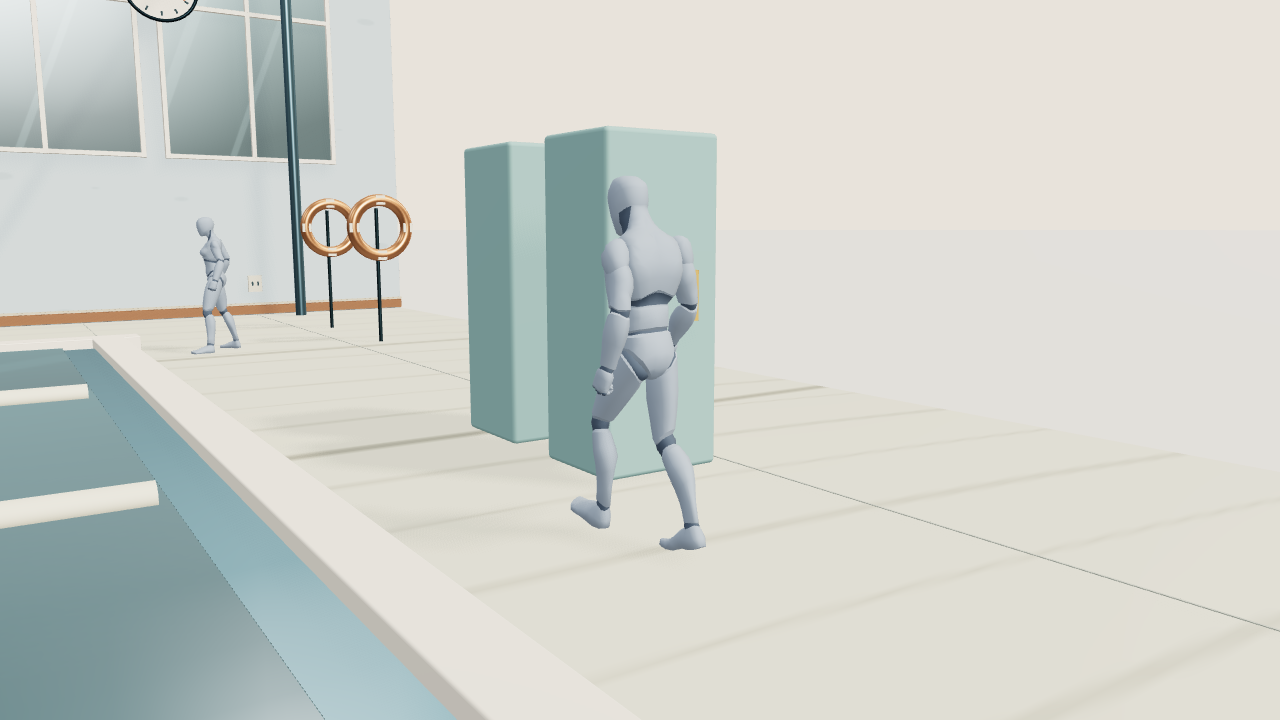
Character medium-wide4–8 s · Follow · FOV 42°
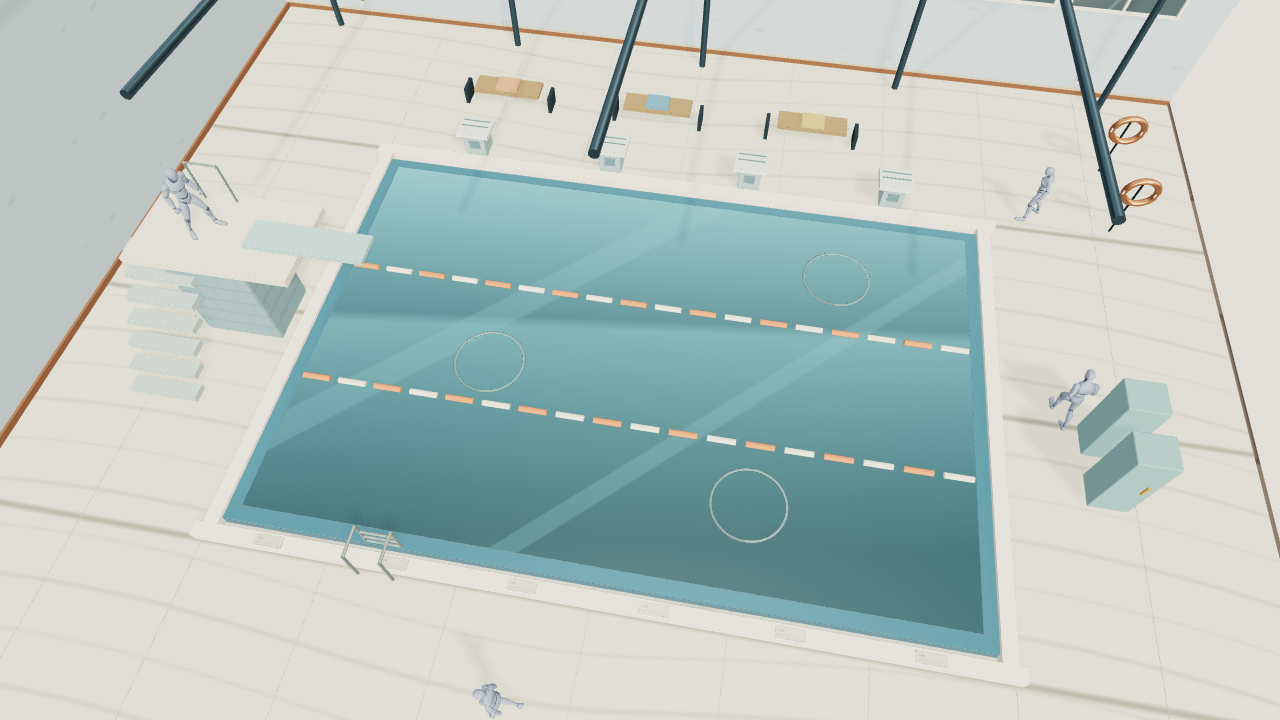
Pool overhead8–12 s · Truck · FOV 48°
Editable objects
266
Characters
4
Duration
12 s
Aspect
16:9
Scene description
Tall windows and roof trusses enclose a broad aquatic center with a lap pool, ripples, a diving platform, and poolside activity. Ripples expand gently, lane floats bob subtly, and the wall clock keeps time.
Open exampleDownload scene JSON
Shots & visual references

Lock the composition, develop the look

Modern architectural photography

These three frames come from the current 3D cameras at 0, 4 and 8 seconds. Select a shot as Image 1 to preserve composition and character blocking.
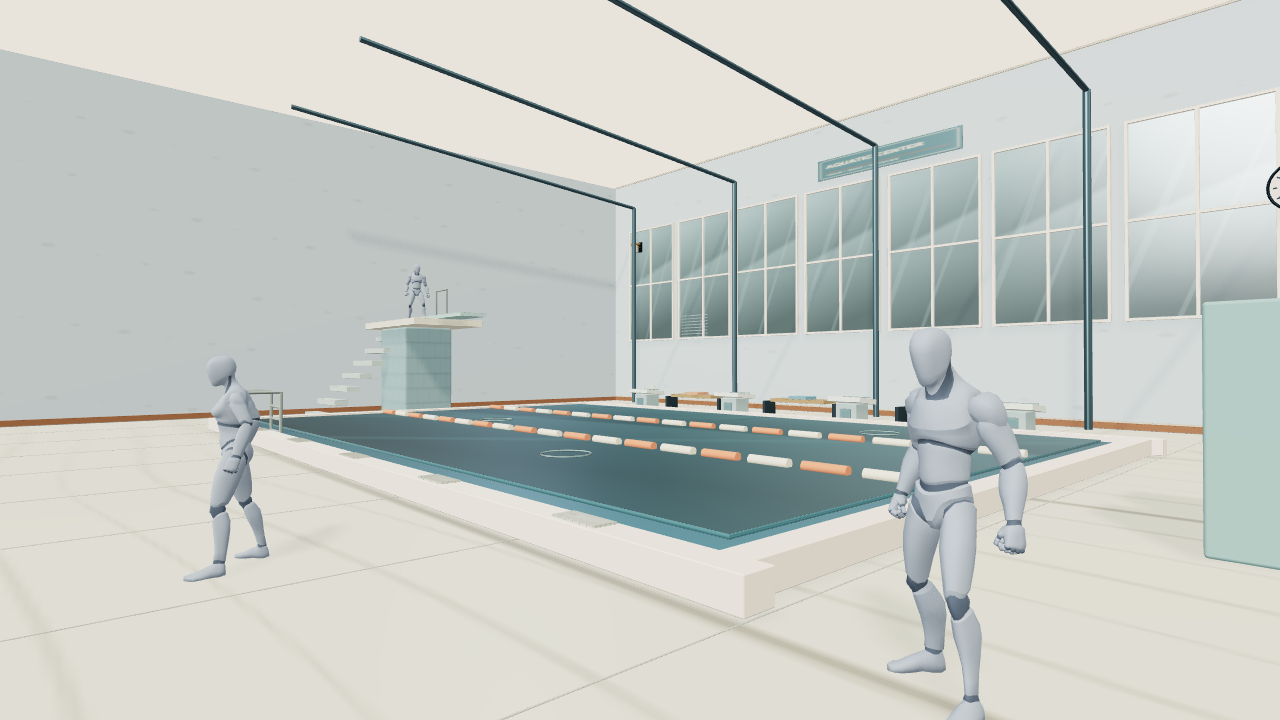
City Aquatic Center · 0s · Poolside establishing view
01 / 0–4sPoolside establishing view0–4 s · Truck · FOV 56°
Download ↓
City Aquatic Center · 4s · Character medium-wide
02 / 4–8sCharacter medium-wide4–8 s · Follow · FOV 42°
Download ↓
City Aquatic Center · 8s · Pool overhead
03 / 8–12sPool overhead8–12 s · Truck · FOV 48°
Download ↓

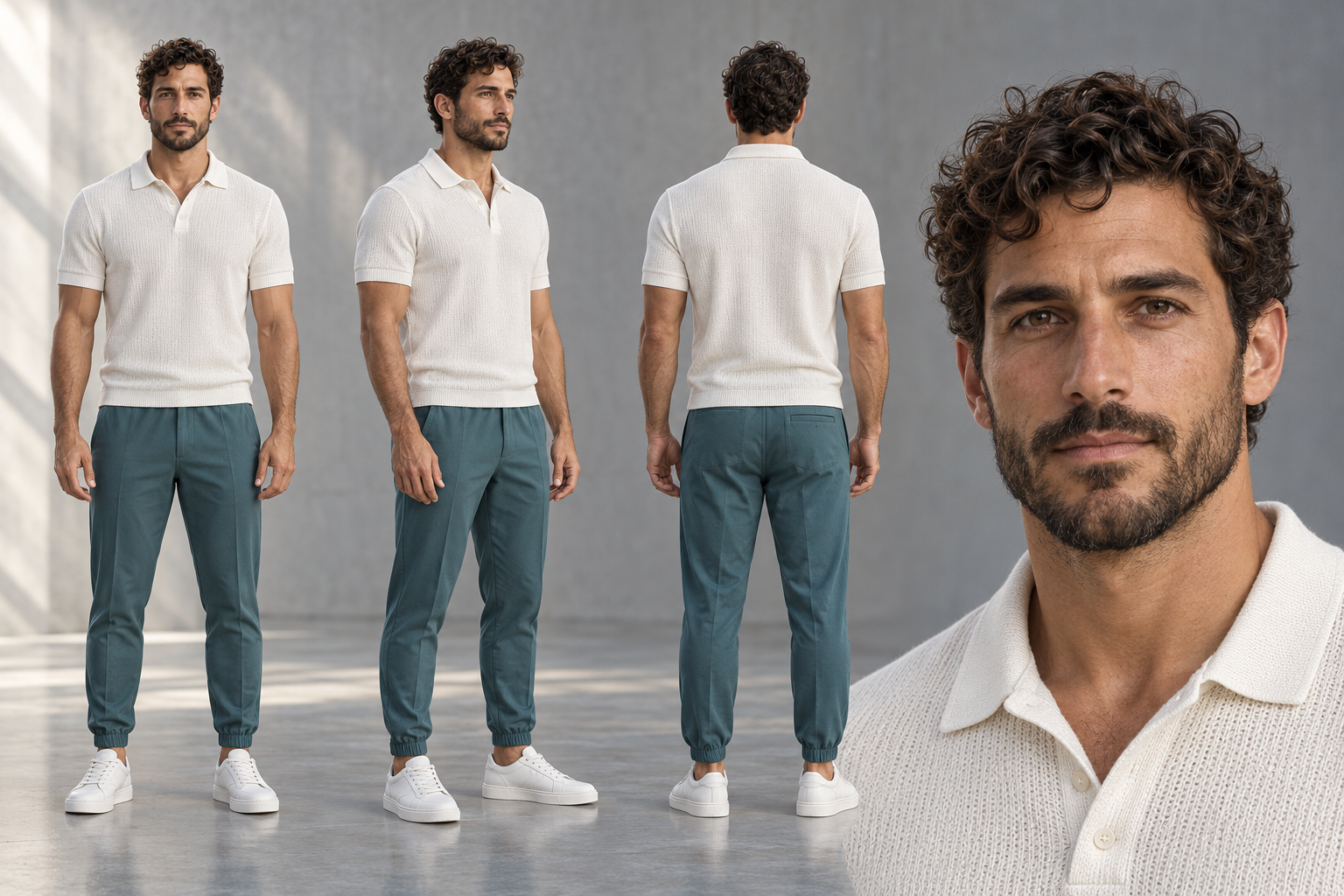
The AI-generated images below provide art direction and character appearance; visual details may differ from the 3D scene. The selected native frame takes priority for composition, subject scale and spatial relationships.
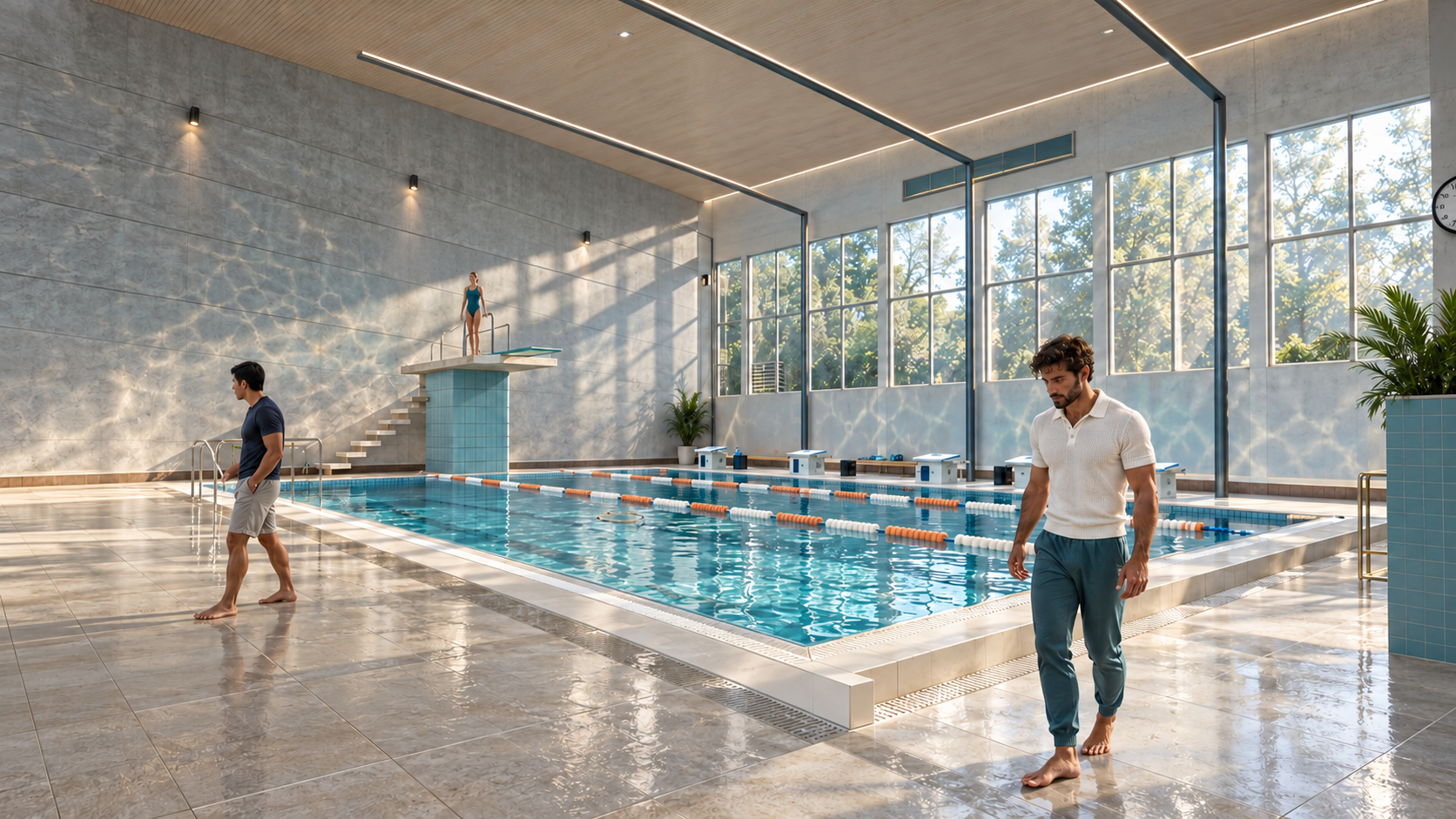
City Aquatic Center · Environment art · Image 2
Environment art · Image 2Materials, colors, lighting and atmosphere
Download PNG ↓
City Aquatic Center · Character design · Image 3
Character design · Image 3Lead appearance and multiple views
Download PNG ↓

Shot 1 · For a future video

Download the selected native frame, environment art and character design; attach them in the video panel as Image 1, Image 2 and Image 3. Adjust the numbers if other references are already attached.

Make your next shot your own.

Sign in and start with a scene description or free camera template. Refine the framing and movement, play and export your preview for free, then decide when to generate with AI.

Start creating →Read the guide
CraftWorld
NavigateWorkspaceGalleryGuidePricingAbout
ProductAI DirectorClay previsAI RenderJournalFree camera templatesProduct camera examplesLog in
LegalPrivacyTerms
© 2026 CraftWorld简体中文 · English
CraftWorld

正在打开工作区…