CraftWorld
  • Workspace
  • Gallery
  • Guide
  • Pricing
  • About
WorkspaceGalleryGuideJournalPricingAbout
← Back to gallery

Research station in the redwood canopy

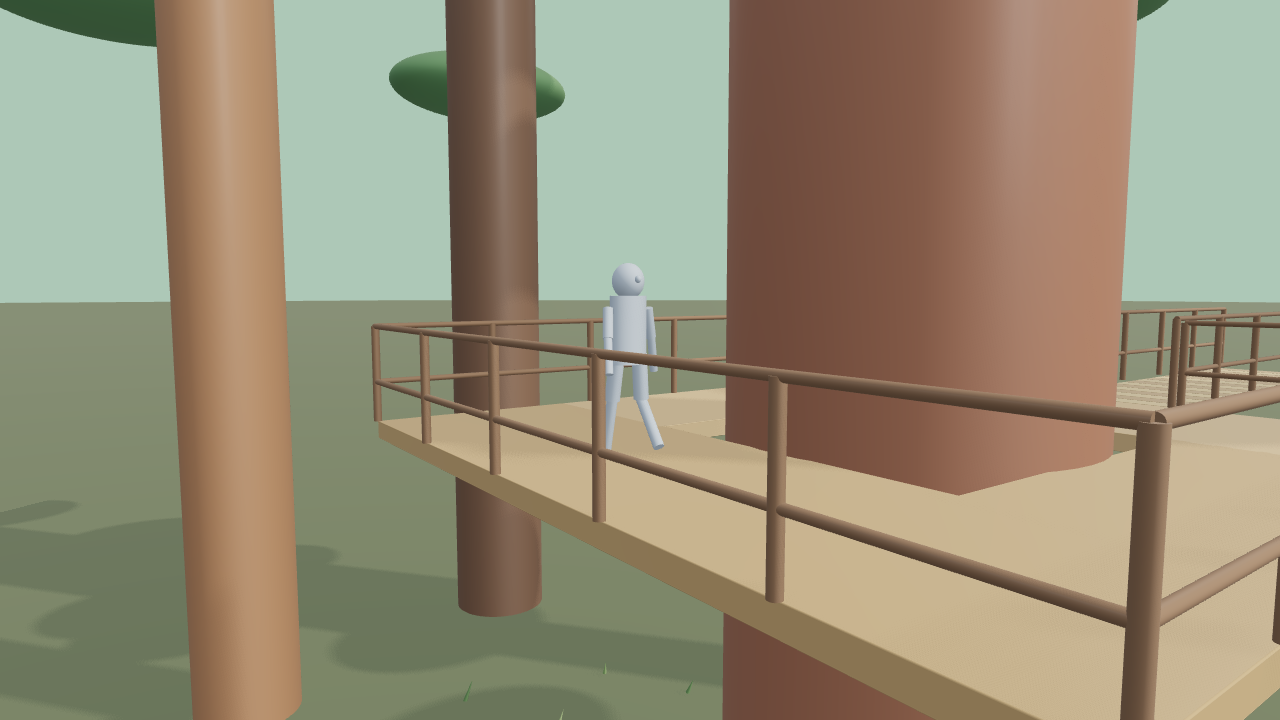
A massive redwood trunk rises through a high timber platform connected to a bridge, instruments and fern-fringed forest floor.

3D animation12 s / 16:9

Play the 3D scene and scrub through its motion and camera moves. Open the example to edit its objects, animation and shots.

Shots

Establish0–4 s · Camera movement.
Observe the action4–8 s · Truck.
Resolve8–12 s · Crane.
Editable objects
188
Characters
1
Duration
12 s
Aspect
16:9
Scene description
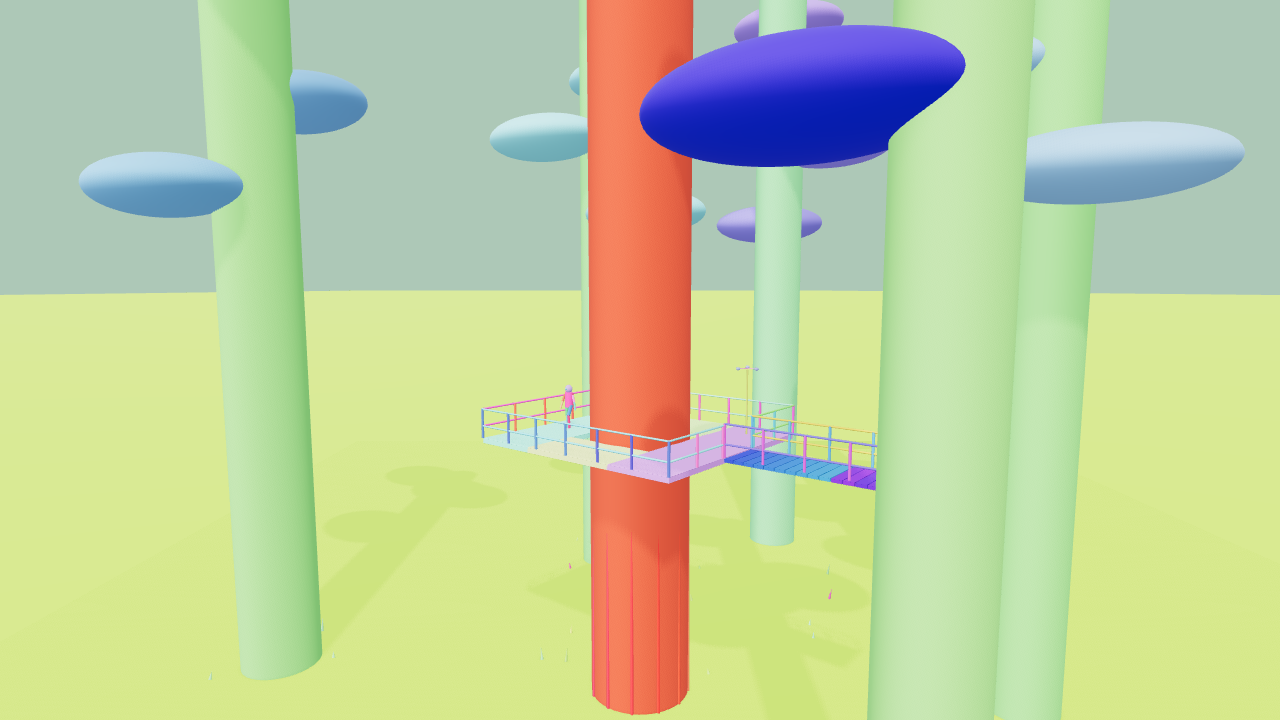
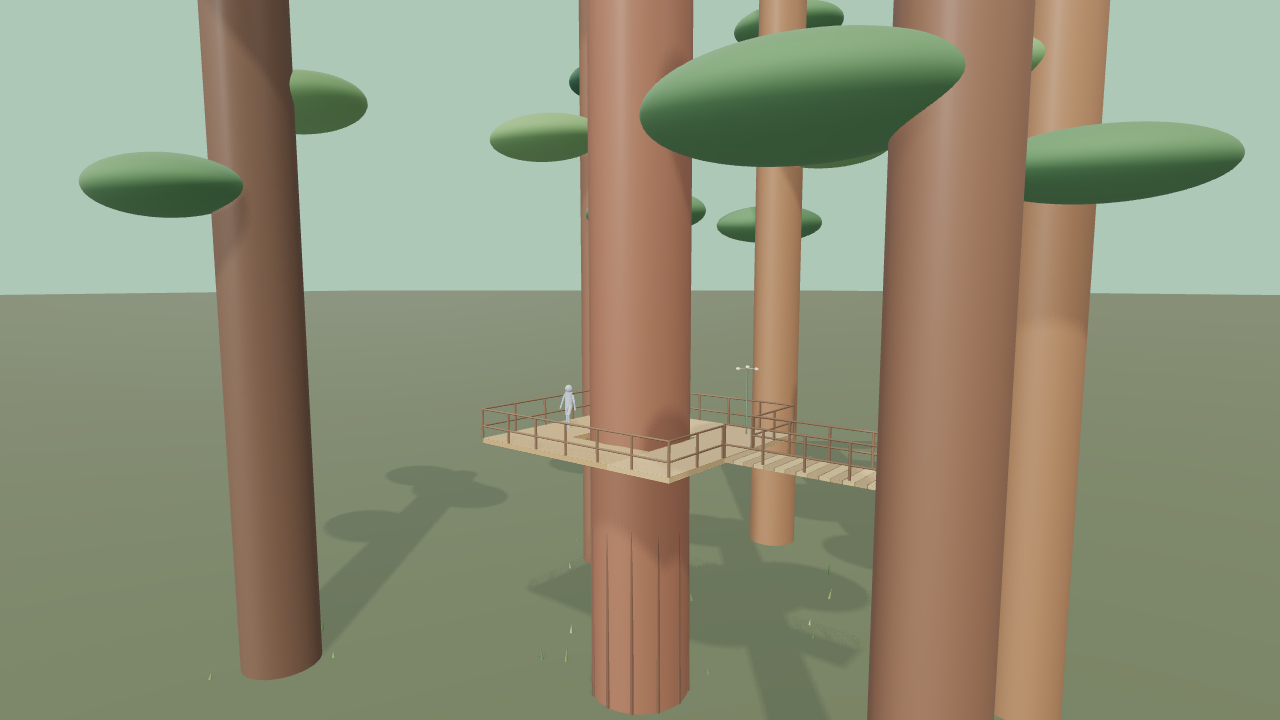
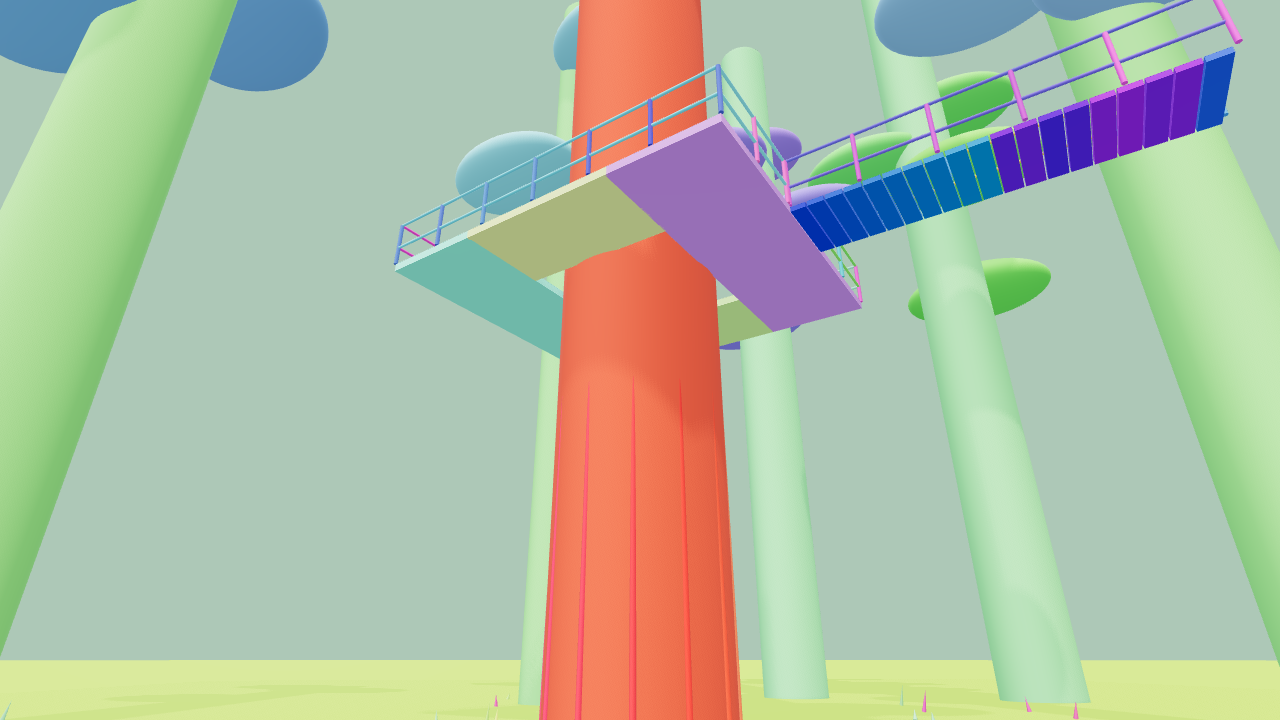
A massive redwood trunk rises through a high timber platform connected to a bridge, instruments and fern-fringed forest floor. A researcher surveys the guarded platform while an anemometer rotates; a towering low angle, deck-level view and canopy vista reveal vertical scale.
Open exampleDownload scene JSON
Shots & visual references

Lock the composition, develop the look

temperate rainforest expedition

These frames come from the current standard previs. Parts colors identify stand-ins; scene color helps inspect staging and action. Use the full preview for video generation and the frames to check composition.
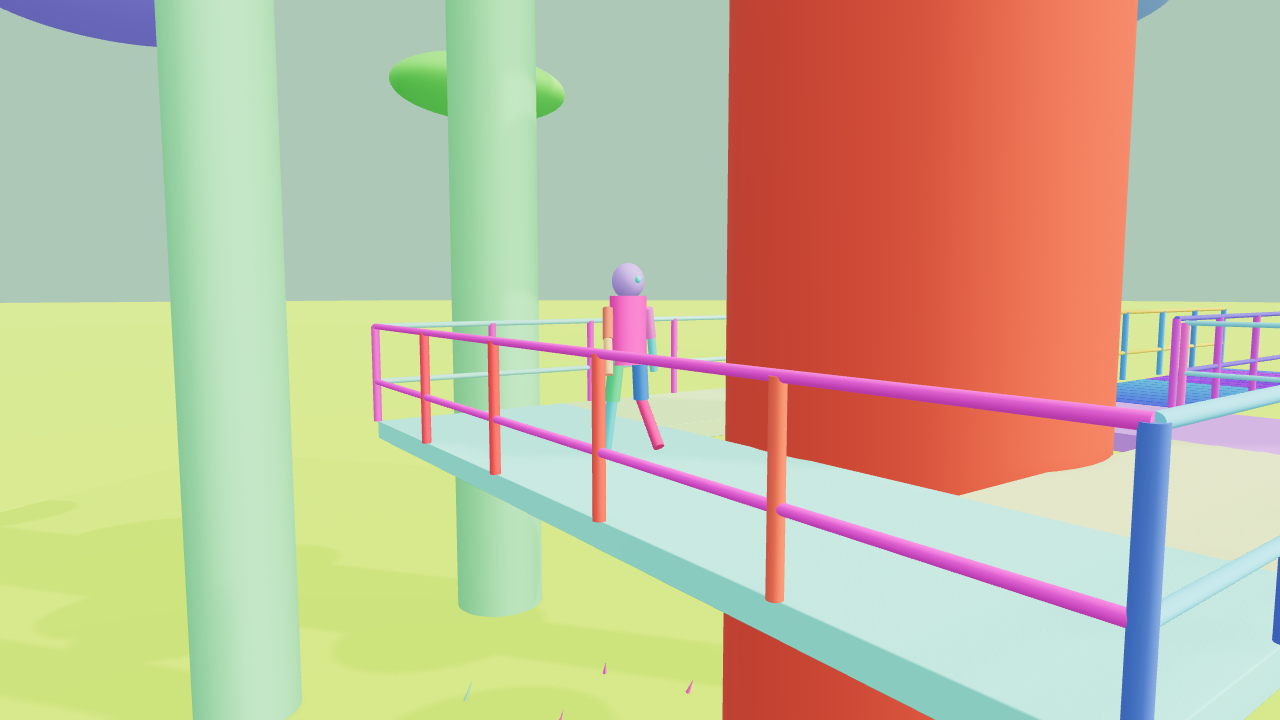
Research station in the redwood canopy · 0s · Establish
01 / 0–4sEstablish0–4 s · Camera movement.
Download ↓Parts frame ↓
Research station in the redwood canopy · 4s · Observe the action
02 / 4–8sObserve the action4–8 s · Truck.
Download ↓Parts frame ↓
Research station in the redwood canopy · 8s · Resolve
03 / 8–12sResolve8–12 s · Crane.
Download ↓Parts frame ↓

The image below is rendered from this 3D scene and follows the selected shot. People use standard geometric stand-ins; you can add a separate character appearance reference.
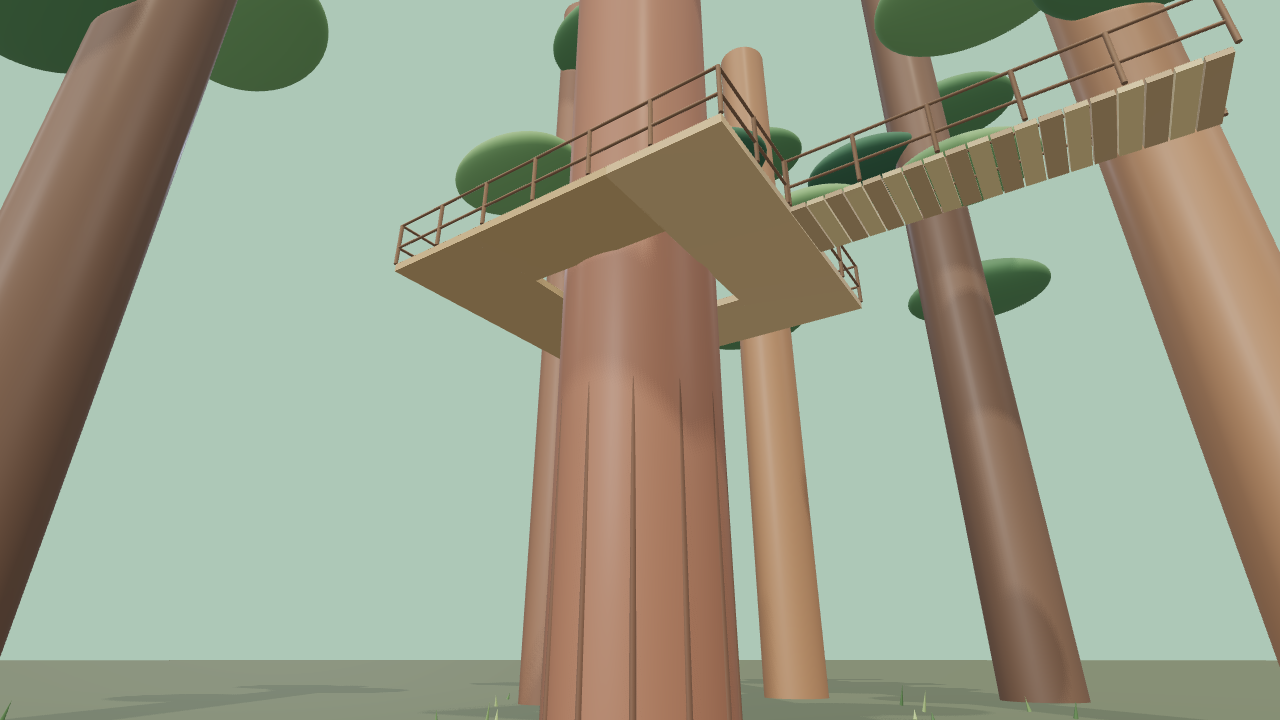
Research station in the redwood canopy · Shot 1 scene-color reference
Shot 1 scene-color referenceThe same scene, camera and instant
Download PNG ↓

Appearance notes · Full preview

Download the selected scene-color first frame as a visual reference. Use the complete preview for video generation; add art or character references in the render panel and bind them to the relevant stand-ins.

Download this scene’s build conversation ↓

Make your next shot your own.

Sign in and start with a scene description or free camera template. Refine the framing and movement, play and export your preview for free, then decide when to generate with AI.

Start creating →Read the guide
CraftWorld
NavigateWorkspaceGalleryGuidePricingAbout
ProductAI DirectorClay previsAI RenderJournalFree camera templatesProduct camera examplesLog in
LegalPrivacyTerms
© 2026 CraftWorld简体中文 · English
CraftWorld

正在打开工作区…